
How the Datafor AI Agent turns a question into a query
, Datafor team, updated
Take a typical question for the AI Agent: the top 10 product categories by gross profit over the past 12 months. Before any number comes back, somebody has to decide which analysis model holds the answer, whether “gross profit” means the measure the model calls Gross Margin Amount, whether “categories” means the top level of the product hierarchy or the level below it, what “the past 12 months” covers on the day of the question, and whose permissions apply.
Ask a language model to write SQL in one pass and it makes all of those decisions inside code that nobody reads. The Datafor AI Agent splits the work. A language model reads the question and plans the query; Datafor checks the plan against the model and runs it. Every decision the language model makes ends up somewhere you can read it.
The knowledge index matches words to the model
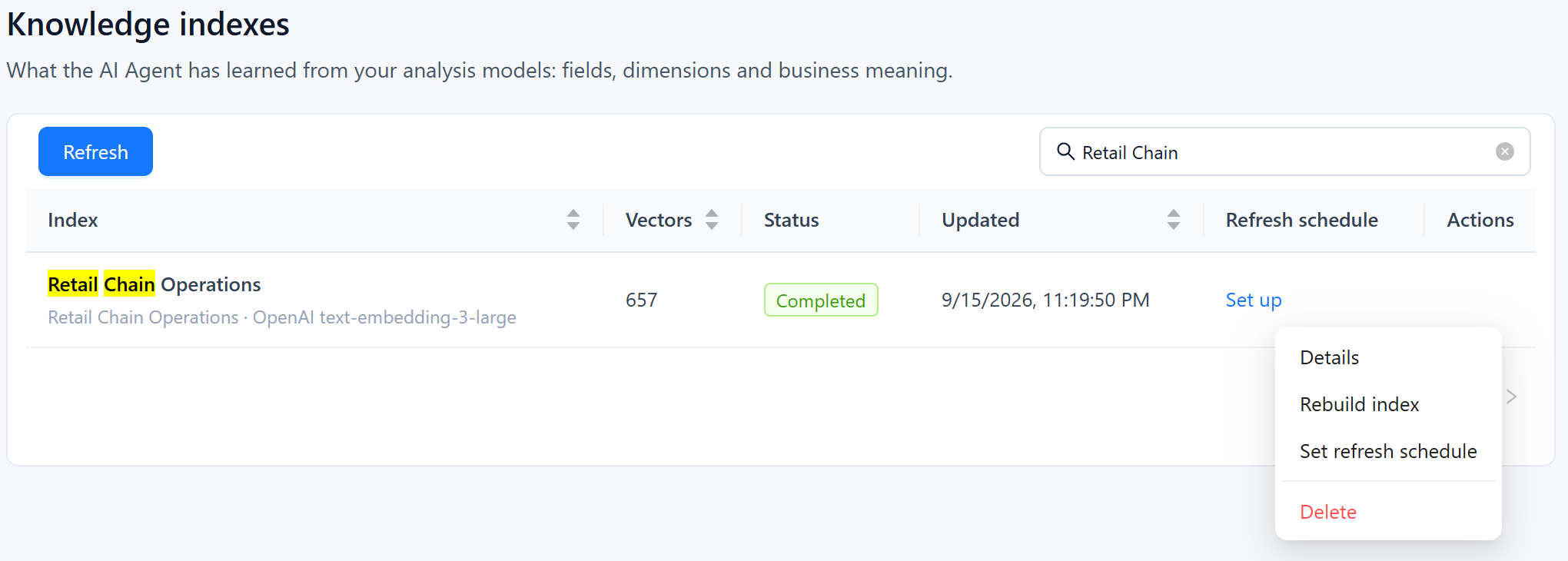
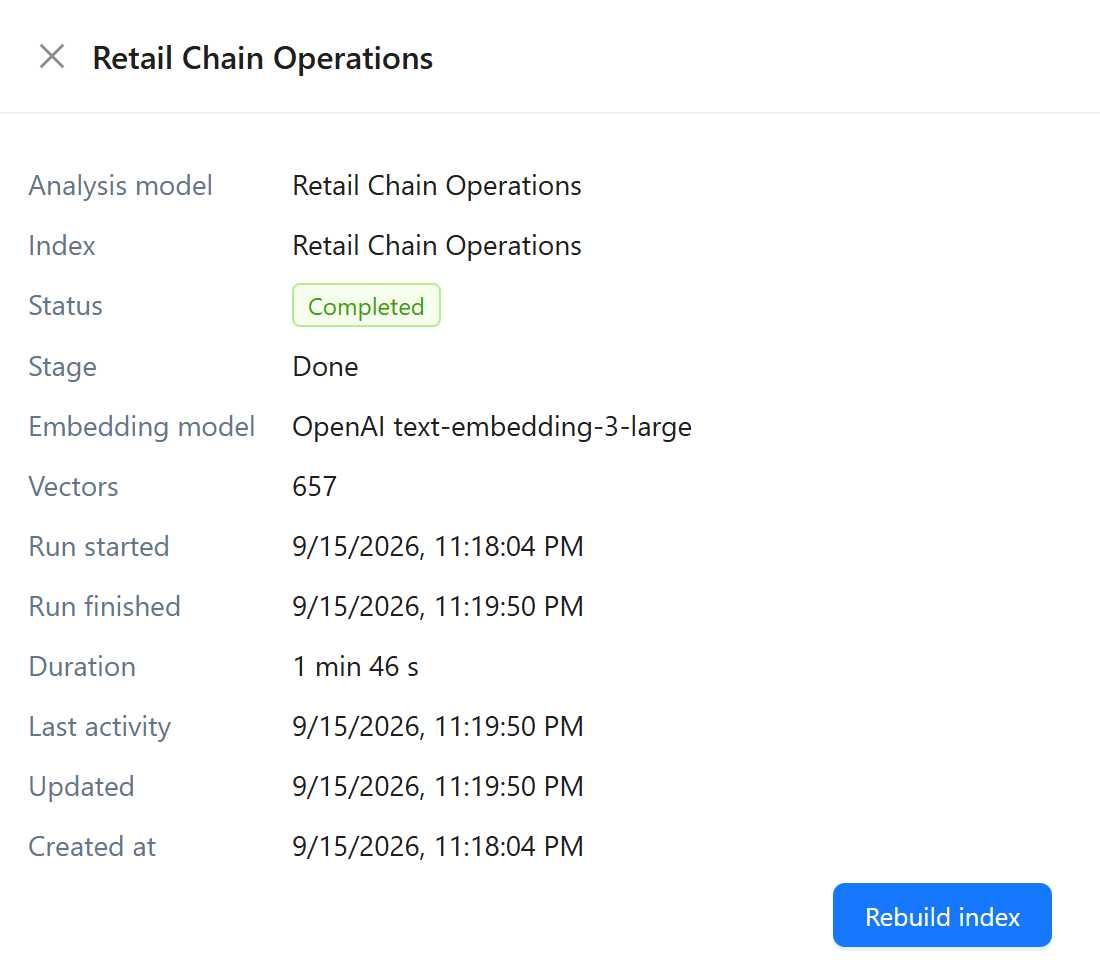
Every analysis model has a knowledge index: its fields, dimensions, business meaning and member values, stored as vectors made by the embedding model your administrator assigns. Versions before 10.00 called it the vector index.
The index is what lets the agent recognise business terms and near-synonyms, and member values such as a product or a channel, even when a question spells them a little differently. On a large model it picks out the fields that matter for the question, so the language model is not handed the whole model at once. When a question names no model, the index is part of the evidence for choosing one. Without an index the agent still answers, but noticeably worse, and a question that names specific values says it needs the index before it can be answered as asked.
Keeping the index current is mostly automatic. With Auto-build knowledge index on, which is the default, saving or importing a model builds or updates its index in the background, and the save never waits for it. Prep data for AI builds one on demand. A refresh schedule re-reads the model’s values daily, weekly, monthly or on a cron expression, so a new store or product is recognised without anyone touching the model.
Each stage can have its own language model
The agent works in stages, and an administrator assigns a language model to each one, so a quick, inexpensive model can route requests while a stronger one plans queries. LLM configuration in 10.x has sixteen assignments: fifteen stages of the agent and the embedding model.
The stage names describe the work well enough. Workflow Routing chooses the workflow for a request. Model Resolution picks the analysis model when the question names none, considering only models the asker can see and using the Metrics Library bindings as evidence. Semantic Binding checks business meaning against how the model implements it, and Semantic Draft writes the draft of the query. A question that no single query can answer, such as which stores have both high sales and a high return rate, goes through Analysis Strategy, which plans a few bounded steps, and finishes in Investigation Synthesis, which combines their evidence into one answer.
What the language model hands over
None of these stages writes SQL. What the language model produces is a structured query: metrics, groupings, filters, a time range, and any ranking or threshold. Here is the one built for the question above when we asked it of the sample model on 8 November 2026, trimmed to the parts that matter:
{
  "metrics": [{
    "label": "Gross Margin Amount",
    "description": "Net Sales less Cost Amount on the same definition."
  }],
  "groupings": [{ "label": "Category L1" }],
  "times": [{
    "field": "Day", "role": "filter",
    "start_date": "2025-11-09", "end_date": "2026-11-08"
  }],
  "rankings": [{
    "direction": "top", "limit": 10,
    "metrics": ["Gross Margin Amount"], "groupings": ["Category L1"]
  }]
}
Most of the decisions from the first paragraph are visible here. Gross profit became Gross Margin Amount, categories became Category L1 at the top of the product hierarchy, the past 12 months became 9 November 2025 to 8 November 2026, and “top 10” became a ranking on that measure. The model has three top-level categories, so three rows came back: Personal Care & Beauty at 686,521.54, Food & Beverage at 197,176.16 and Home Care at 170,616.41.
If you meant subcategories, say so and the grouping changes to Category L2. That run returned all nine of them, from Makeup & Fragrance at 305,210.18 down to Snacks at 48,909.74, with a note attached: “Interpreted ‘past 12 months’ as the rolling inclusive window from 2025-11-09 through 2026-11-08.”
What Datafor checks before anything runs
Datafor validates the structured query against the model before running it. Only metrics, dimensions and member values that exist in the model can be used, and the query has to stay within the platform’s complexity policy. Datafor then compiles the SQL itself and runs it under the asking user’s permissions, row rules included. The metadata the language model saw had already been filtered by those same permissions, so it cannot even plan around rows the user may not see.
The answer comes back with the query that produced it and any notes on how the question was read. In the AI Assistant these sit under Technical details and Limitations, next to the rows.
The same agent from Claude, ChatGPT and Cursor
Since 10.00, Datafor ships with its own MCP server. Claude, ChatGPT, Codex, Cursor and other MCP clients sign in with a personal token that a user creates under My account, and they get four read-only tools: list_models, explore_model, generate_sample_questions and ask_datafor.
ask_datafor sends the question through the same stages and checks. The client’s language model does not write SQL either: it passes the question on in plain words and gets back rows with the query behind them, under the permissions of the person whose token it holds. The token carries only a user name and an expiry date, so it always gets that person’s permissions as they stand at that moment, and it can be revoked on its own. The query earlier in this post came back from exactly such a call.
Why we split the work this way
The language model cannot invent a column, because only fields and members that exist in the model get through validation. Prompts stay small on large models, since the index sends only the fields a question needs. Every number traces back to a query that actually ran. And because the checks run inside Datafor, the same rules hold wherever the agent answers: in the AI Assistant, in an insight panel on a dashboard, inside an application that embeds Datafor, and in an MCP client.
To get one of your own models ready, read Preparing data for AI. To ask from Claude or ChatGPT, connect your AI client.
First published on 17 December 2025 as “Datafor AI Agent: Turning Natural-Language Questions into Controlled, Explainable Analytics Queries with Vector DB + MCP + Tooling”. Rewritten in November 2026 for Datafor 10.x, where the vector index became the knowledge index and MCP refers to the MCP server that ships with Datafor.